For members
Going out on Wanderist
Find something near you that you'd actually want to do, ask the host if you can come, and turn up. Joining is free. A few hosts sell tickets for things that cost money to put on, and you see the price before you pay.
Opens the App Preview, in your phone's browser.
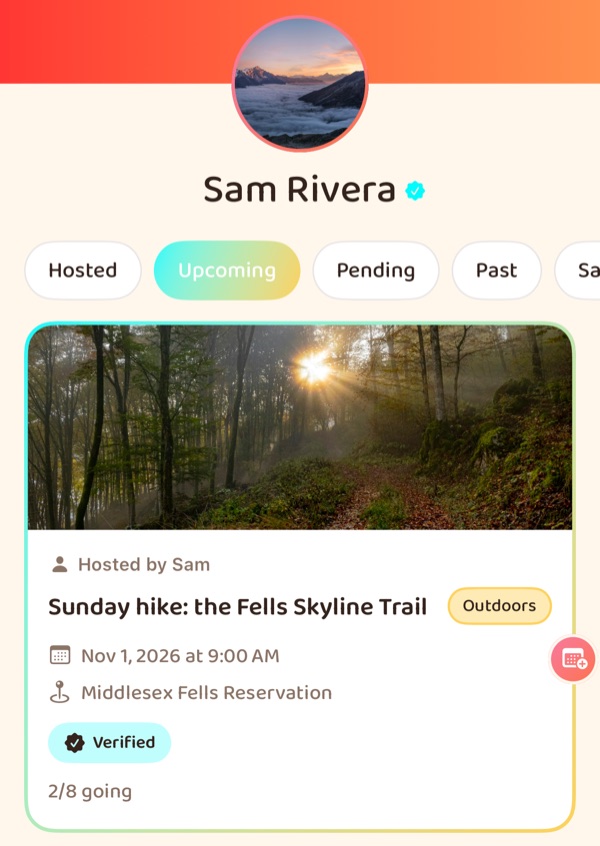
- Free to join Tickets only when a host charges
- The host says yes Nobody joins without it
- Friends first Direct messages and games, by default
- 18+, block and report Reports go to moderators
Finding something
Close enough to reach, and something you're into.
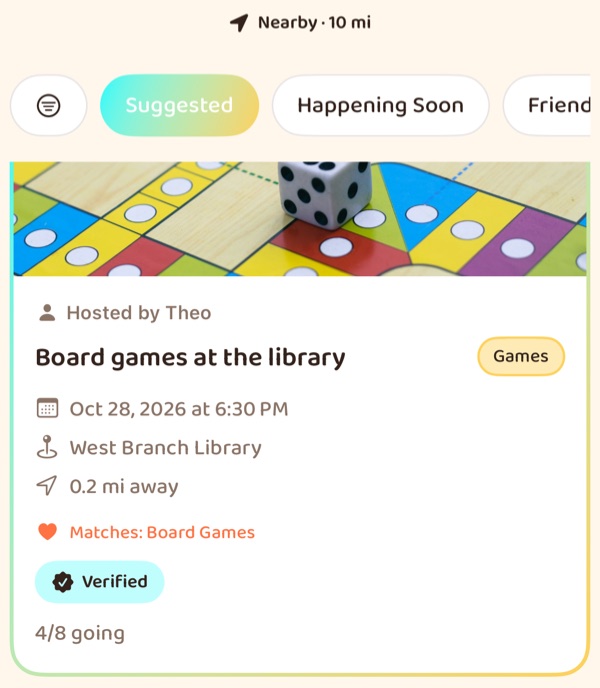
Explore ranks what's near you by distance and by the interests on your profile. You choose the radius, and where it measures from: where you are now, or somewhere you're going to be.
The same feed, cut other ways: Happening Soon, This Weekend, Friends Going, Free and Almost Full. Or search by activity, venue or category, or open the map.
Swipe a card to save it or hide it. Both land in My Outings, so hiding something never loses it.
Going
Ask, hear back, get ready.
-
Ask to join
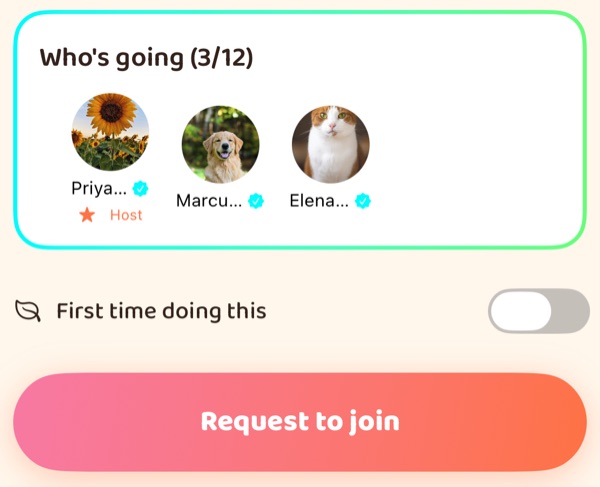
You see who's going before you ask. New to the activity? Switch on First time doing this and it shows beside your name, on your request and in Who's going.
-
The host decides
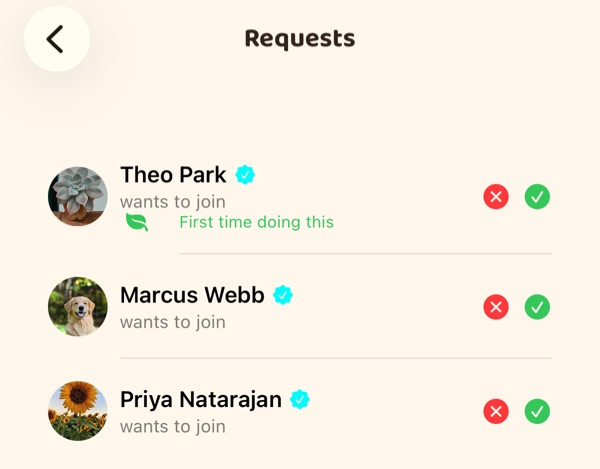
Every request goes to the host, and you hear back either way: a yes and a no both arrive as a notification. Once you're in, the Outing says You're going!
-
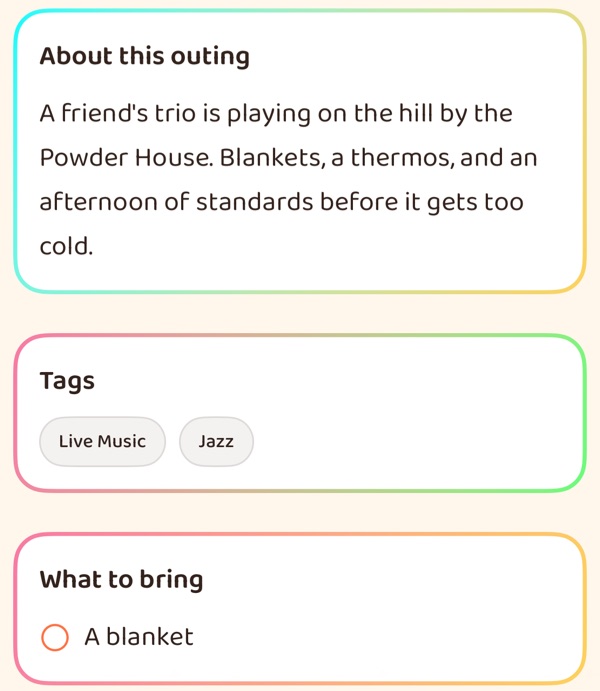
Get ready
The Outing says what's included and what to bring, and it has a chat for everyone going. Add it to your calendar from My Outings.
On the day, and after
-
Check in when you get there
It opens two hours before the start, and it's what lets your emergency contacts see where you are.
-
Your entry code
Every Outing has a door. Show your code and the host or a co-host scans it, or checks you off by hand.
-
Rate it afterwards
Once it's over, people who checked in can rate the Outing, and nobody else can. Ratings count toward the host's score.
-
Share the photos
Each Outing has an album for the people who were there. Only a friend can tag you in one.
Can't make it? Cancel your spot from the Outing. Coming back means asking again, and the spot may have gone by then. A ticket is refunded under the host's refund policy, and in full if the host changes the event after you bought it.
Friends & the Lounge
Keep the people you meet.
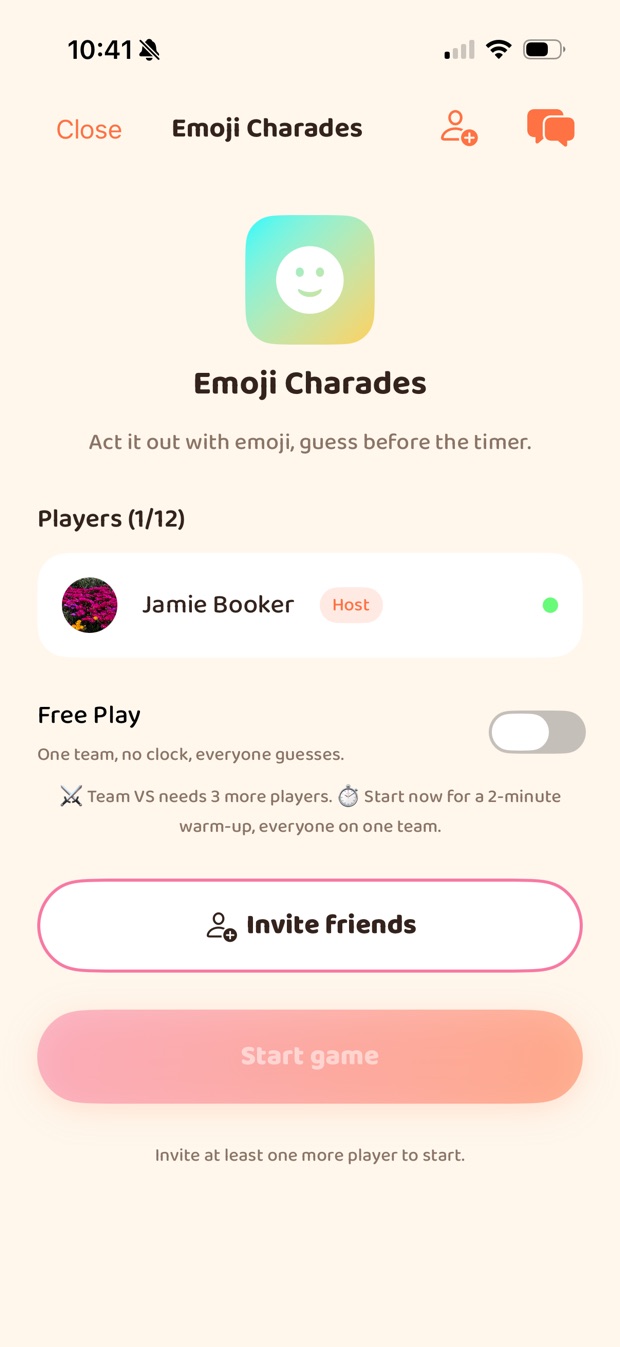
Add someone after an Outing and they're in your Lounge: your friends list, one-to-one and group chats, and four small games to play together.
People you might click with come from shared interests and from Outings you've both been to. Someone you haven't met is only suggested if they've verified their identity.
Direct messages need a friendship first, unless you open yours to anyone. The games are friends-only, with no matchmaking with strangers, and they're in the iPhone and Android apps rather than the App Preview.
Notifications
Only what can't wait interrupts you.
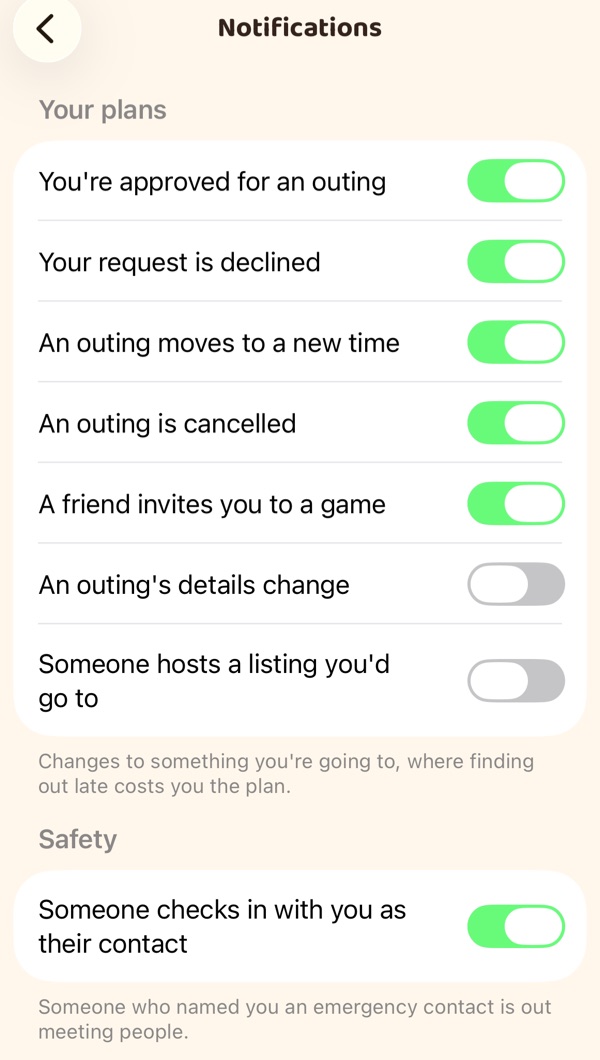
A push is for the things that go wrong if you only hear about them tomorrow: your request answered, an Outing moved or cancelled, a friend's game invite, a check-in from someone who named you their emergency contact.
Everything else — friend requests, photo tags, what your friends are hosting — waits in your Feed. Each kind has its own switch, and turning one off never takes it out of the Feed.
Safety
Meeting people is your call.
We don't vet the people you meet, and we won't pretend otherwise. There are no background checks, and a badge on a profile is not a character reference — it means a document was checked, nothing more. Who you meet, where, and whether to go at all is your judgement to make.
-
Tell someone where you are
Pick friends as emergency contacts. While you're checked in, they can see your live location — and only then.
-
Look before you ask
An Outing shows its host and who's going, and which of them have verified their identity.
-
Block and report
Blocking is immediate and mutual. Reports go to moderators with your reason.
-
Lock the app itself
A PIN or Face ID lock, separate from your phone's.
Wanderist is 18+. We ask for your date of birth at sign-up. Our terms set out what we do and do not check, in the same words as above.
Your profile
Most of it stays off until you turn it on.
- Interests
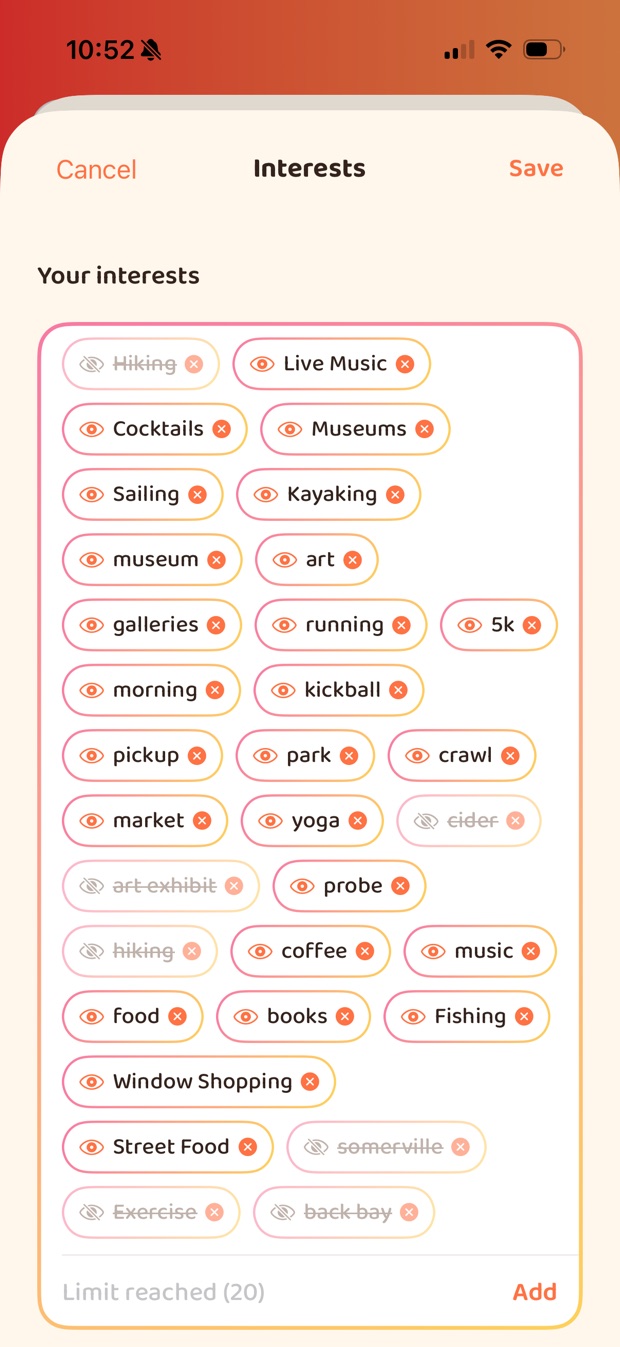
- Up to twenty. Hide one and it leaves your profile but still shapes your feed. Remove it to stop that.
- Activity
- Two counts, hosted and attended. The lists behind them stay private until you publish them.
- Photo tags
- Friends only. Untag yourself from anything, or turn tagging off.
- Socials
- None shown until you choose. Each network is its own switch.
You can delete your account from inside the app whenever you like — here's what that removes.
Getting Wanderist
Explore is live across New England and New York. Boston and Providence are where we're growing first.
Want to host something yourself? It's free — here's how hosting works.
Try the App Preview
Wanderist in your phone's browser, today. Nothing to download.
The apps
In testing now, for iPhone and Android.
- iPhone · coming soonApp Store
- Android · coming soonGoogle Play